
Phone system and AI contact center for Microsoft Teams
Dialpad adds a business phone system and an AI-powered contact center to Microsoft Teams. Make and receive calls on your Dialpad number in the native Teams calling experience through Direct Routing, or use the Dialpad app inside Teams. Either way, you get live transcripts, call recaps, and sentiment tracking, plus calling and SMS/MMS in 70+ countries.

An AI contact center for companies that run on Microsoft Teams
Pair Microsoft Teams with Dialpad Support to run an AI-powered contact center alongside the collaboration tools your company already uses. Agents get real-time coaching, live transcripts, and sentiment tracking on every call, while managers get advanced routing and instant visibility into performance. The result: customer issues resolved 23% faster.
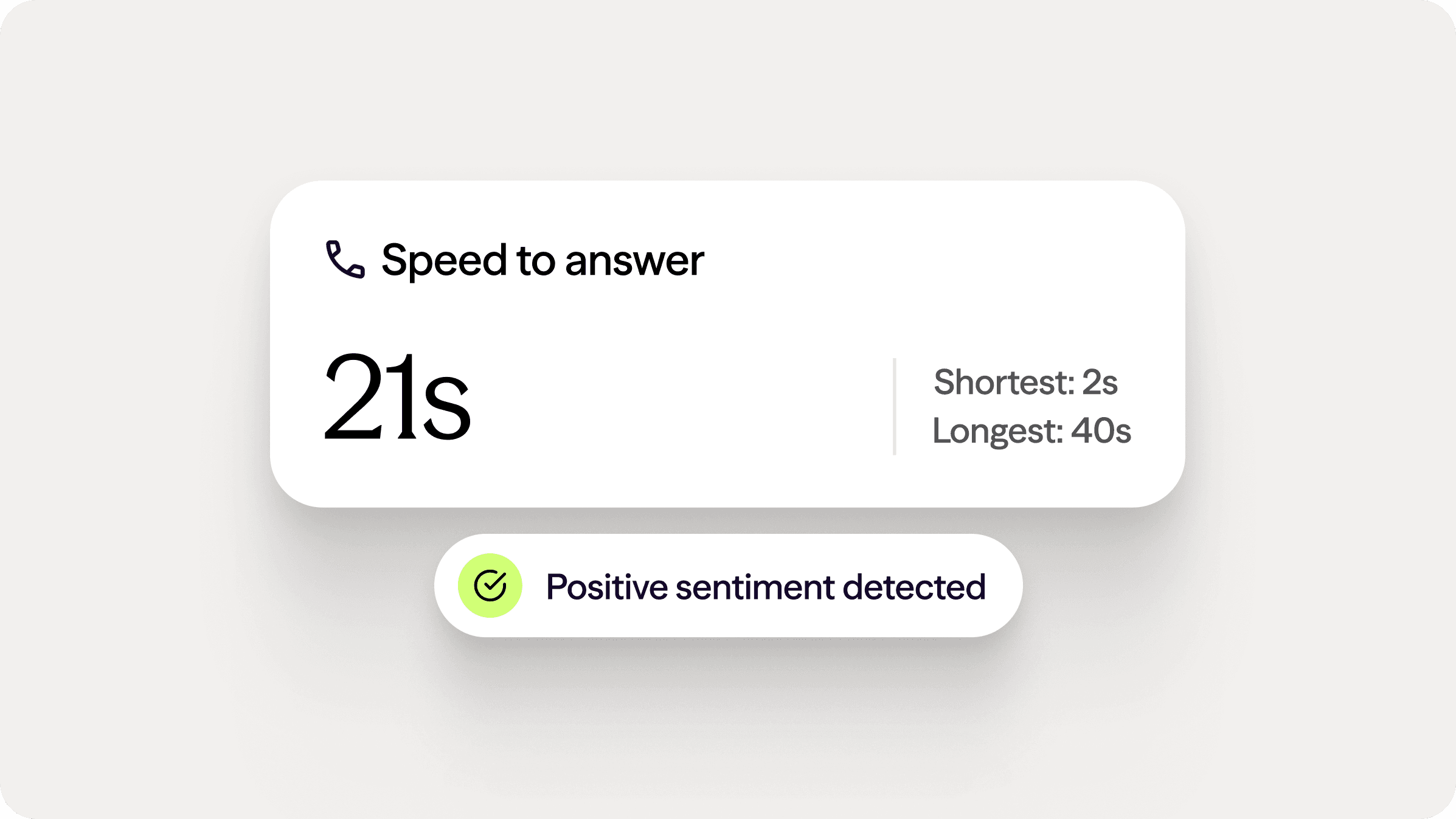

Simplify your talk, text, and workflows inside Teams
Add an enterprise, AI-native phone system directly to your Microsoft Teams setup. Dialpad delivers flexible call routing and real-time conversation insights without changing your current interface.
Make every customer conversation effortless
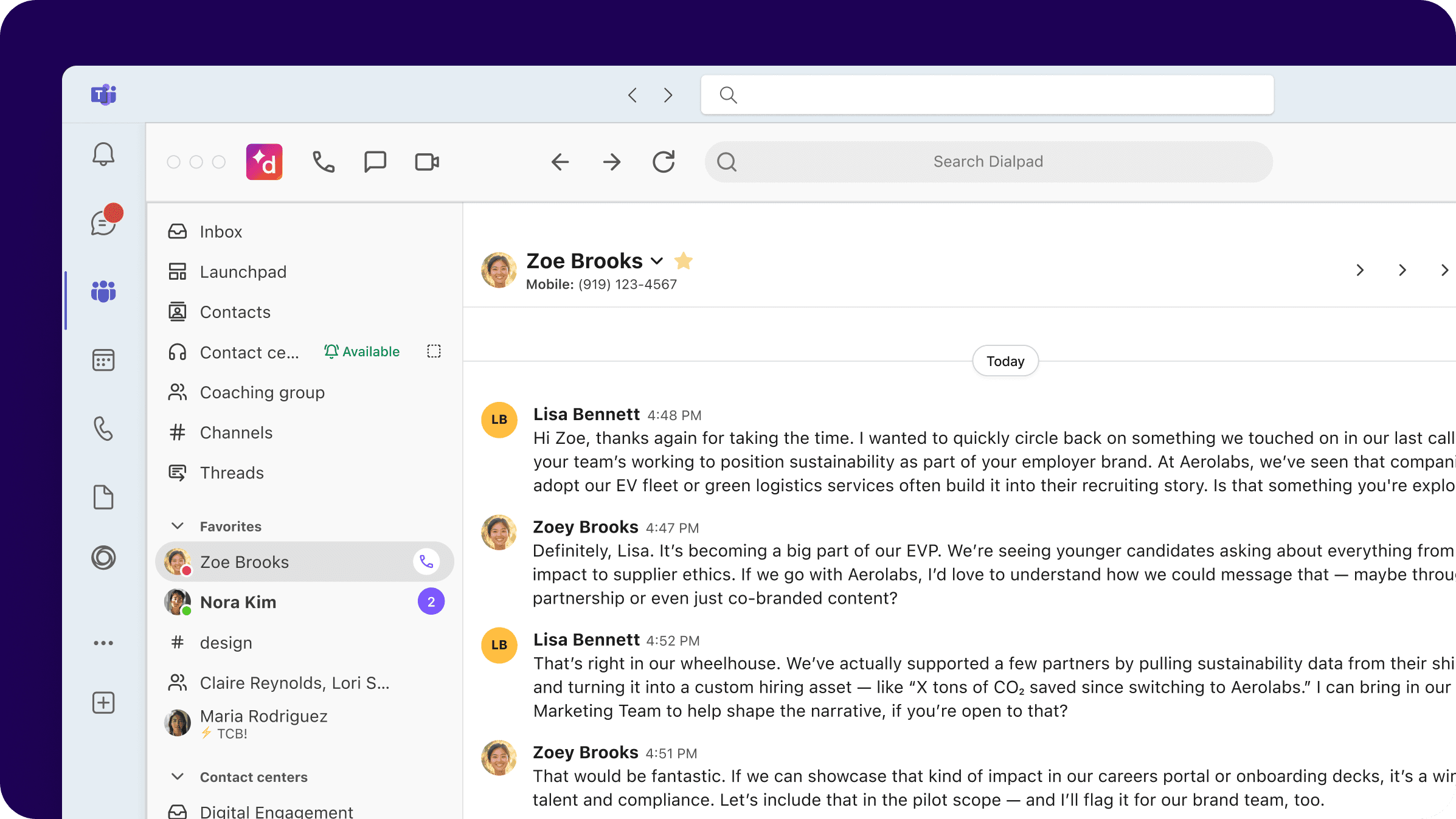
Unify your workspace to eliminate context switching. By connecting Dialpad to Teams, you unlock live transcripts, instant call recaps, and customer sentiment tracking on a single screen—giving you full control without app switching.

Two ways to connect Dialpad to Microsoft Teams
Choose the setup that fits how your company uses Teams:
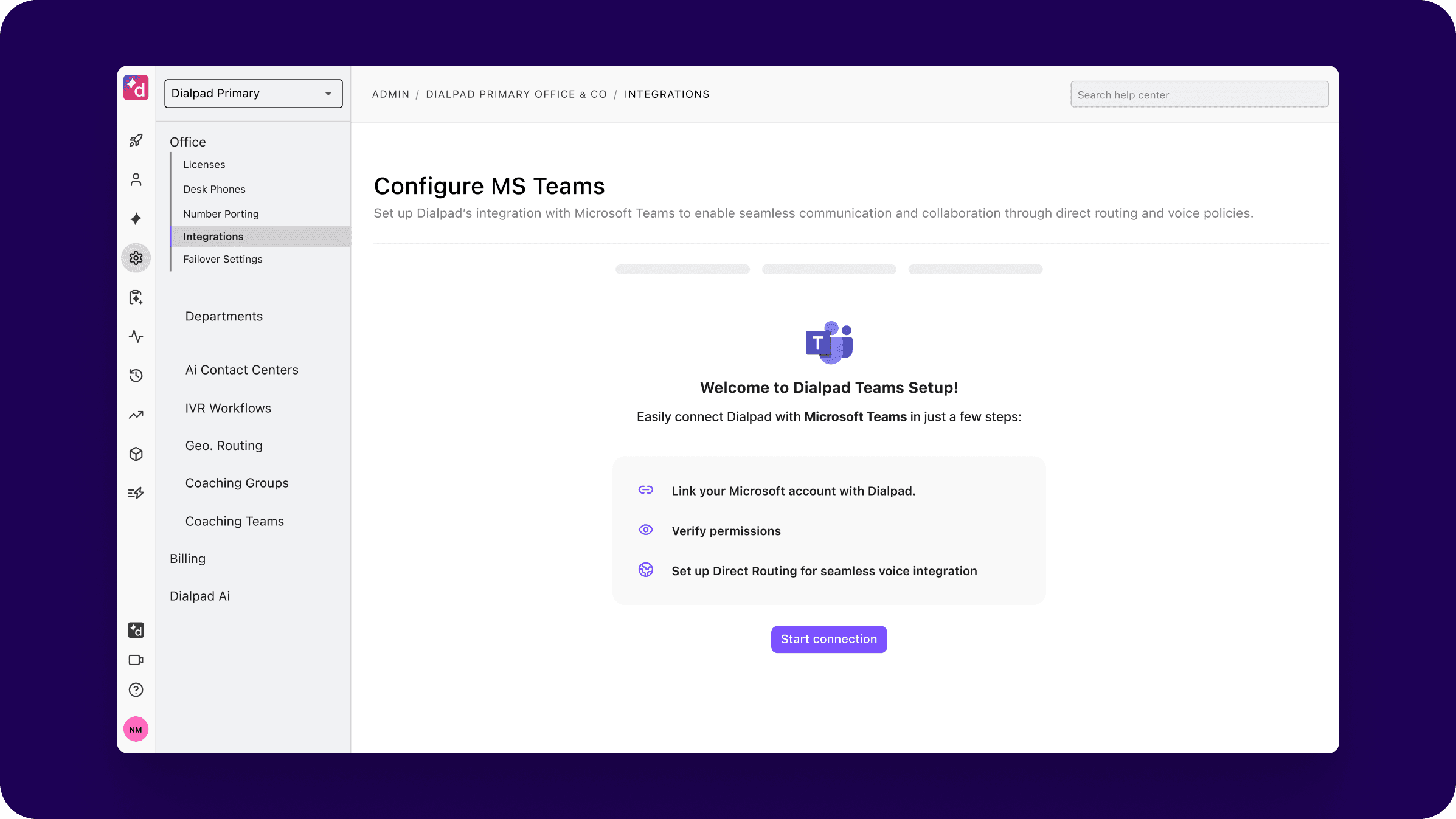
Microsoft Teams Direct Routing: make and receive calls with your Dialpad number directly in the native Teams calling experience.
Dialpad app for Teams: pin Dialpad in the Teams sidebar to manage calls, SMS, and conversation history, with the Dialpad Everywhere widget keeping call controls visible during calls. A good fit if you want Dialpad inside Teams without using Direct Routing.
Dialpad's Professional Services team configures either option for you, and users sync to Microsoft 365 by matching email address.
Live Coach cards
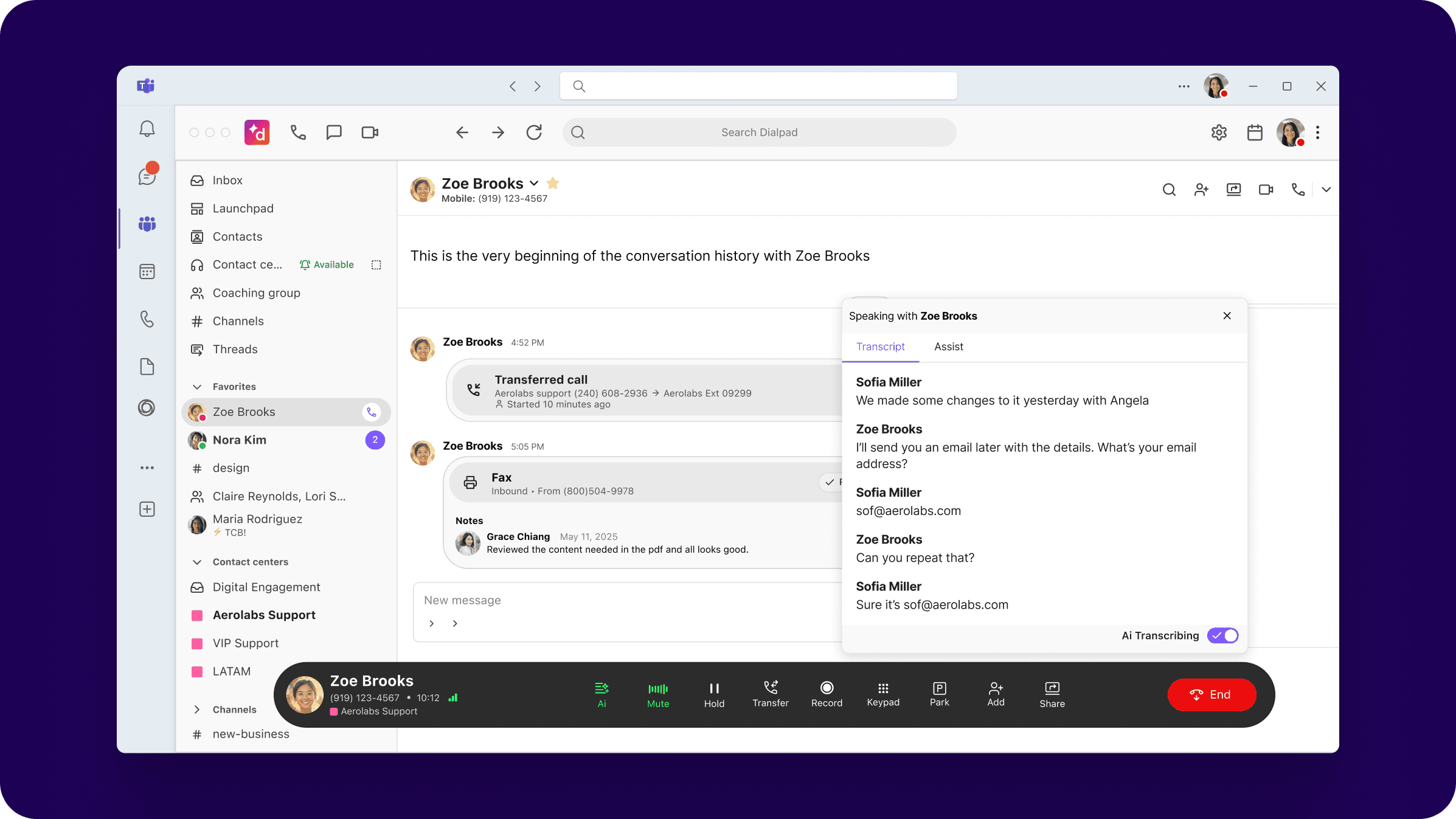
For multi-window multitasking, the Dialpad Everywhere widget keeps call controls visible on any screen. View live transcripts or get instant, on-screen answers from automated Live Coach Cards the moment a customer asks a complex question.
Keep your attention on the call with live note-taking
Eliminate manual note-taking during live conversations. Dialpad generates word-for-word transcripts, highlights action items, and logs next steps automatically. Teams stay engaged and managers gain instant visibility into performance.
Connect global teams on a reliable enterprise network
Scale your communications across 70+ countries with secure, clear voice services. Dialpad guarantees high-availability calling backed by a 100% uptime SLA for enterprise plans.
Text, call, and chat without leaving your active window
Send and receive business SMS and MMS directly inside Microsoft Teams. Centralize your customer data by handling texts, voice calls, and video meetings from a single screen to preserve full conversation history.
Works across your Microsoft stack
Alongside Teams, Dialpad also integrates with Microsoft Dynamics 365.

“Dialpad’s integration brings the best of both apps—Microsoft Teams’ collaboration and Dialpad’s built-in AI. It’s easy for our global teams to stay connected from anywhere, on any device.”
Ignacio MirandaIT Vendor Manager at Gategroup
Unlock the full power of Microsoft Teams with Dialpad
FAQ
Yes. Dialpad Support is an AI-powered contact center that integrates with Microsoft Teams. It gives agents real-time coaching, sentiment analysis, and live call transcription, plus advanced routing, so customer issues get resolved faster while your company keeps collaborating in Teams.
Yes. With Microsoft Teams Direct Routing, your users make and receive calls with their Dialpad numbers directly in the native Teams calling experience, with external calling to 70+ countries and SMS and MMS from your business number.
You can use Microsoft Teams Direct Routing, which puts Dialpad calling in the native Teams dialer, or the Dialpad app for Teams, which embeds Dialpad in the Teams sidebar without Direct Routing. Feature availability differs between the two options, and our team can help you choose.
Direct Routing requires Microsoft Teams licenses with the Phone System add-on to Microsoft 365 Enterprise licenses such as E1 or E3, or a Microsoft 365 Business plan with Business Voice.
The Teams integration is available to Dialpad Sell and Dialpad Support users, and to Dialpad Connect users on Pro or Enterprise plans.
Dialpad's Professional Services team configures the integration for you. Users are synced between Dialpad and Microsoft 365 by matching their email address.
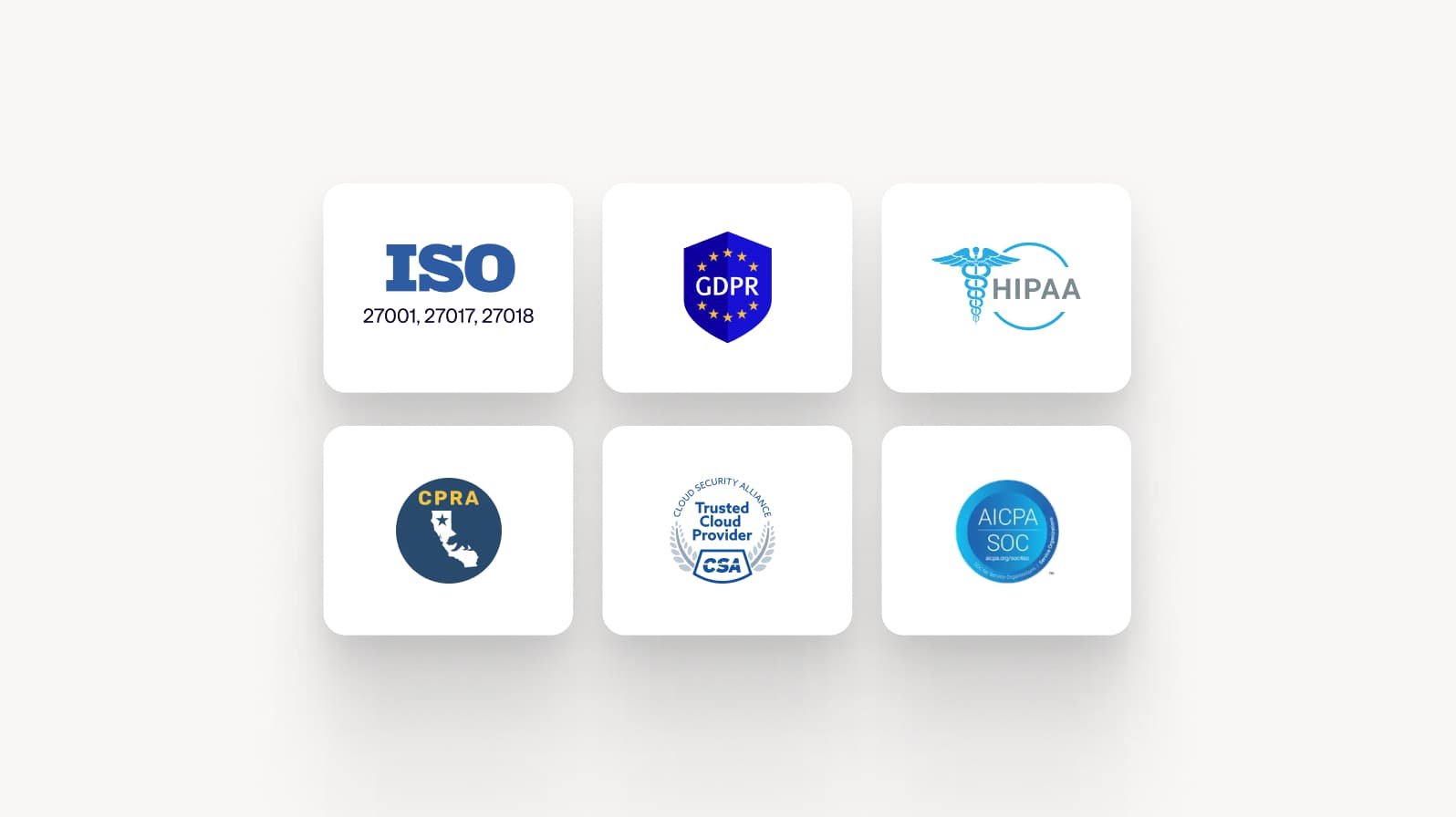
Dialpad combines a Teams-integrated phone system and AI contact center on one platform, with guided setup from Professional Services, HIPAA and GDPR readiness, role-based access, and a 100% uptime SLA on enterprise plans.
Dialpad Sell improves sales productivity by embedding real-time AI tools—such as live transcription, AI Live Coach, and AI Playbooks—directly into Microsoft Teams. Sales reps can focus on conversations while AI handles note-taking and follow-up tracking, helping teams close deals faster, improve pipeline visibility, and gain valuable insights into sales interactions within the familiar Teams environment.